
Published October 12, 2026
PhotoCraft: What Works and What's Still Broken (Alpha Check)
A straight inventory of PhotoCraft's current state — working features, known glitches, and what to avoid until it matures.
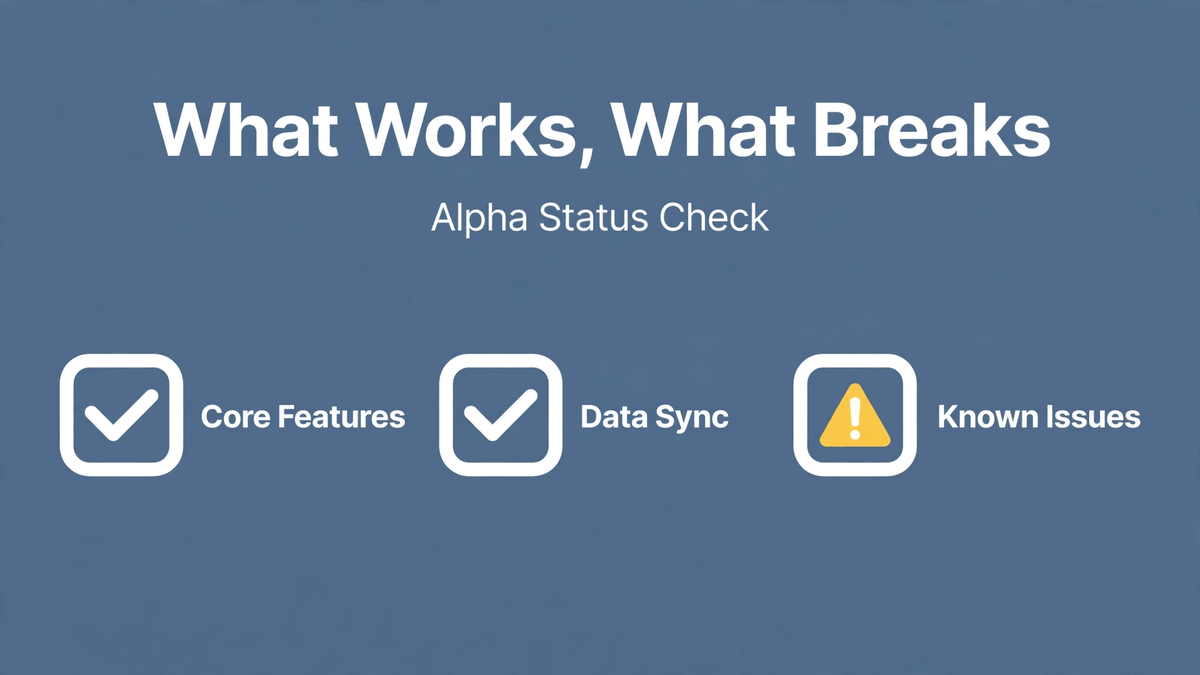
PhotoCraft is real software that really edits images — and it is also honestly unfinished. This is the straight inventory: what you can rely on, what is flaky, and what to stay away from for now.
Works reliably
- Layers and layer groups, including reordering, visibility, and opacity.
- Layer masks and clipping basics.
- Brush, eraser, gradient, and shape tools for everyday painting.
- Text layers with standard formatting.
- Selections: marquee, lasso, and basic wand selection.
- Common adjustment layers (levels, curves, hue/saturation).
- Opening everyday PSD files and standard image formats.
- Fast startup and responsive UI thanks to the Rust codebase.
Flaky or partial
- Filters: common ones work, but output can differ from Photoshop's rendering.
- Blend modes: the basics are fine; exotic modes may render incorrectly.
- Undo: does not always unwind cleanly — save before risky operations.
- Complex PSDs: smart objects and heavy effects are the most likely things to break on import.
- Stability: crashes happen, especially with large files. Save constantly.
Not ready / missing
- Professional color management and print-accurate output.
- Plugin ecosystem — nothing like Photoshop's third-party plugins.
- Advanced compositing features professionals rely on daily.
- The polish: tooltips, edge cases, and small UX details are still rough.
How to use it safely today
Treat PhotoCraft like a sketchbook, not a darkroom. Great for: learning, experimenting, quick edits, following the project's progress, and opening old PSDs without a subscription. Not for: client work, print, deadlines, or any file you cannot afford to rebuild.
The trajectory argument
Alpha checklists age fast. The reason to install PhotoCraft now is not what it does today but how quickly it is improving — AI-assisted development iterates at a pace traditional teams cannot match. Check back in six months; this list will look different.