PhotoCraft – Free AI-Built Photoshop - Discussions
Join the conversation and discuss our latest updates and resources.
Author
Anya Ivanova
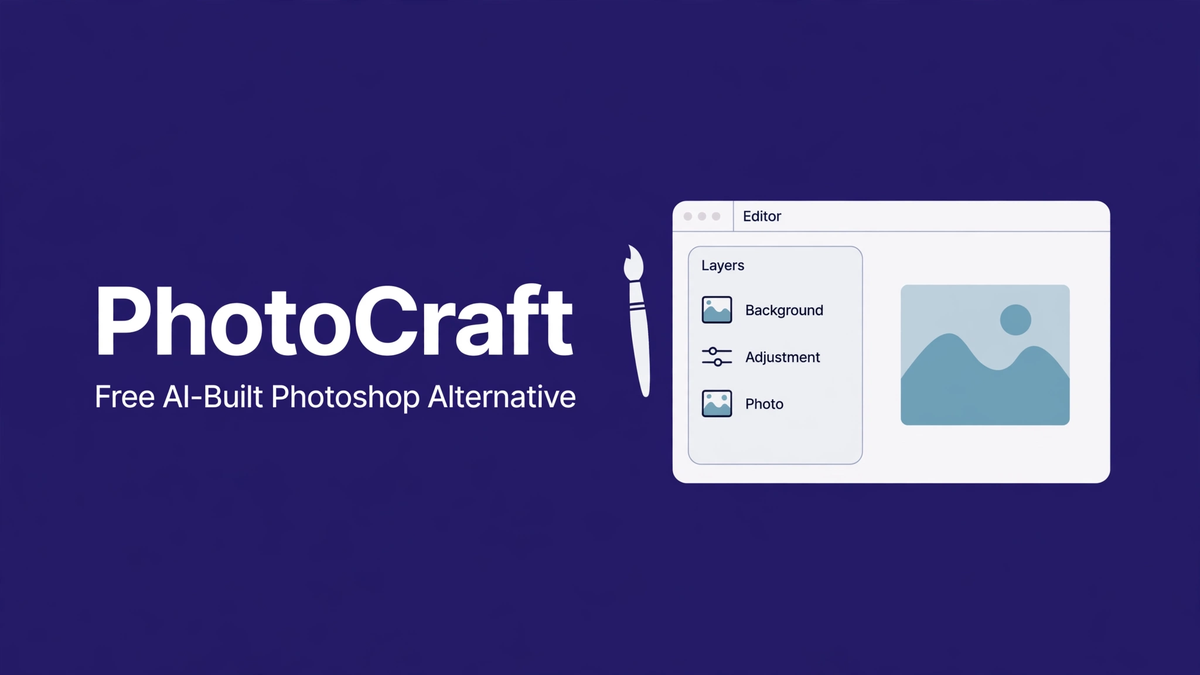
PhotoCraft is a free, open-source Photoshop alternative built almost entirely by AI coding agents. It looks like Photoshop, opens PSD files, and handles layers and masks — but it is early alpha software: testers call it "glitchy but real Photoshop." It is not ready for professional work yet. If you want a free editor that just works today, Photopea is the safer pick. If you want to watch (and use) one of the most ambitious AI-built apps ever attempted, PhotoCraft is worth your attention. This guide gives you the honest picture: what works, what is broken, and how to install it.
PhotoCraft quick facts
- What it is: a free Photoshop-style image editor, part of the ArtCraft suite by Brandon Thomas.
- Built by: AI agents running Claude Opus 5.5, written in Rust — a "clean-room reimplementation," meaning no Adobe code was copied.
- Price: free, open source under MIT/Apache licenses. No subscription, no account, no ads.
- Platforms: Windows, macOS, Linux, plus a version that runs in the browser.
- Current state: early alpha. Familiar UI, layers, masks, PSD support — but only around 65% pixel-level accuracy versus Adobe's output, and plenty of glitches.
- Official source: getartcraft.com/apps. The code lives on GitHub under storytold/photocraft.
What is PhotoCraft, exactly?
PhotoCraft is the flagship app of ArtCraft, a suite of vibe-coded creative tools that reimagine popular software. The idea behind the whole project is simple: take the apps everyone knows — Photoshop, Illustrator, Word — and rebuild them from scratch with AI doing most of the coding, then give them away free and open source.
PhotoCraft itself is the Photoshop replacement in that lineup. Open it and you will feel immediately at home if you have ever used Adobe's editor: the toolbar down the left, layers panel on the right, menus across the top with the names you expect — File, Edit, Image, Layer, Select, Filter, View, Window. That familiarity is deliberate. The project claims full menu coverage of Photoshop's interface, so muscle memory transfers over.
What makes it genuinely unusual is how it was built. Instead of a team of engineers writing code by hand for years, AI agents powered by Claude Opus 5.5 wrote the vast majority of the Rust codebase, with a human directing the effort. The result is a "clean-room" reimplementation: it behaves like Photoshop without containing any Adobe code. That matters legally and philosophically — it is an independent creation, not a crack or a clone of stolen code.
The project has attracted serious attention — tens of thousands of GitHub stars — as a proof of concept for what AI-assisted development can do at ambitious scale.
What PhotoCraft can do right now
For alpha software, the working feature list is respectable. Layers work, including adjustment layers. Masks work. Selection tools, brushes, gradients, and text layers are in. It opens PSD files using the publicly documented parts of Adobe's format, so you can pull existing Photoshop work into it. Filters and blend modes cover the common cases. The whole thing runs natively on Windows, macOS, and Linux, and there is a browser build for quick tries without installing anything.
Performance is a genuine bright spot: because it is written in Rust, it starts fast and stays responsive. No Electron bloat, no subscription check phoning home, no Creative Cloud background processes eating your RAM. For an app built mostly by AI, the engineering foundation is sound.
The honest alpha-state warning
Now the part that matters: PhotoCraft is not ready for professional work, and you should not trust it with anything you cannot afford to lose.
The headline number is pixel accuracy. When the project compares its rendering output against Adobe Photoshop's, PhotoCraft matches about 65% of the time at the pixel level. That means more than a third of operations render slightly — or noticeably — differently from what Photoshop would produce. For casual edits and experimentation, that is fine. For client work, print, or anything where precision matters, it is disqualifying.
Testers describe the day-to-day experience as "glitchy but real Photoshop." Tools sometimes behave unexpectedly. Complex PSD files with smart objects, advanced layer effects, or newer Photoshop features may not import correctly. Crashes happen. Undo does not always undo cleanly. The developers are upfront about this: it is alpha, and the rough edges are the price of admission.
There is also the question of longevity. Ambitious open-source projects built on hype can stall when the initial excitement fades. PhotoCraft has real momentum and a real codebase, but go in with eyes open: this is a project to watch and tinker with, not a tool to build your workflow around yet.
How to install PhotoCraft
Installation is straightforward. Head to the official ArtCraft apps page at getartcraft.com/apps and grab the build for your platform — Windows, macOS, and Linux are all supported. If you just want a quick look, try the browser version first; nothing to install, and you will know within five minutes whether the current state is usable for what you have in mind.
Because it is open source, you can also clone the repository and build it yourself if you are comfortable with Rust tooling. The GitHub repo includes build instructions. Either way, keep your expectations calibrated: install it to explore, not to replace your daily driver.
A sensible setup if you are curious: keep Photopea or GIMP as your actual editor, and keep PhotoCraft on the side to follow its progress.
PhotoCraft vs Photopea vs GIMP vs Photoshop
Here is the honest comparison, because "free Photoshop alternative" covers very different tools:
Photopea is the pragmatic choice today. It runs in the browser, opens PSD files with excellent fidelity, and is stable enough for real work. Its interface also mirrors Photoshop. If you need to get something done right now for free, use Photopea. PhotoCraft may catch up, but it is not there yet.
GIMP is the veteran open-source editor. It is powerful and completely free, but its interface follows its own logic rather than Photoshop's, which frustrates Adobe-trained users. It is stable and proven where PhotoCraft is experimental. GIMP wins on reliability; PhotoCraft wins on familiarity and modern engineering.
Photoshop itself remains the professional standard — full accuracy, full feature set, full ecosystem of plugins and tutorials. The cost is the subscription and the Creative Cloud machinery. Nothing free matches it end to end today.
PhotoCraft's unique pitch is not that it beats any of these right now — it doesn't. Its pitch is the trajectory: a Photoshop-like editor, built by AI, improving in the open, free forever.
Frequently asked questions
Is PhotoCraft really free?
Yes. It is open source under MIT/Apache licenses — free to use, free to modify, no account and no subscription. That is a structural difference from Photoshop's subscription model, not a trial or a limited tier.
Can PhotoCraft open my PSD files?
It opens PSD files using the public parts of Adobe's format specification. Simple and moderately complex files generally work. Files using smart objects, newer Photoshop features, or heavy layer effects may import imperfectly — and remember the 65% pixel-accuracy figure when judging the results.
Was PhotoCraft really built by AI?
The vast majority of the code was written by AI agents running Claude Opus 5.5, directed by the project's human creator, Brandon Thomas. It is a genuine example of large-scale AI-assisted software development — which is a big part of why the project gets so much attention.
Is PhotoCraft legal? Did they copy Adobe?
It is a clean-room reimplementation: independently written code that behaves like Photoshop without copying Adobe's code. That is the same legal approach used by projects like LibreOffice (vs Microsoft Office). Using it is not piracy.
Should I switch from Photoshop to PhotoCraft?
Not yet. If Photoshop is your professional tool, PhotoCraft cannot replace it today — the accuracy gap and the glitches rule that out. Keep it as a side project to watch. Revisit the question in six to twelve months.
Where do I download it safely?
Only from the official source: getartcraft.com/apps, or the GitHub repository. Do not download "PhotoCraft" from random file hosts or app stores — those builds are unofficial and could contain anything.
The bottom line
PhotoCraft is one of the most interesting software experiments happening right now: a Photoshop-class editor written mostly by AI, free and open source, already usable for basic work. It is also honestly unfinished — glitchy, imprecise in places, and not a professional tool yet. Both things are true at once.
If you are the kind of person who likes watching the future arrive early, install it, kick the tires, and follow the project. If you need a free editor for real work today, use Photopea and check back on PhotoCraft later. Either way, it is worth knowing about — because if AI can build this much of Photoshop already, the next few years of creative software are going to be very interesting.
Anya Ivanova
Original Post
No discussions yet. Be the first to start!