Published October 12, 2026
PhotoCraft vs Photopea: Which Free Editor Should You Use?
Two free Photoshop alternatives, two very different answers. Which one fits your needs today — and which one to watch for tomorrow.
Need a free Photoshop alternative right now? Use Photopea. Interested in the future of AI-built software? Watch PhotoCraft. They solve different problems, and picking the wrong one wastes your afternoon. Here is how to choose.
What each one is
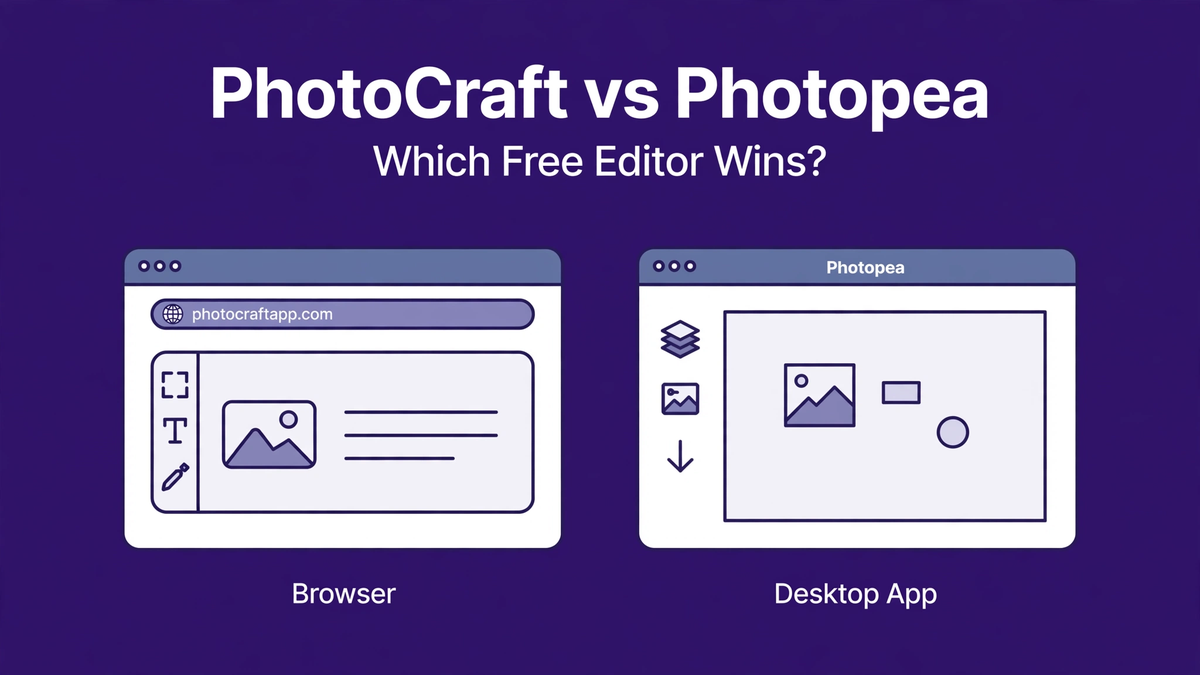
Photopea is a mature, browser-based editor that closely mirrors Photoshop and opens PSD files with excellent fidelity. It is a one-developer project, funded by ads, and it is stable enough for real work. PhotoCraft is an early-alpha desktop (and browser) editor built mostly by AI agents, free and open source, with a Photoshop-like interface and big ambitions it has not fulfilled yet.
Round 1: getting work done today
Photopea wins outright. It is stable, its PSD compatibility is far better, and its rendering is trustworthy. If you have a poster to finish, a photo to retouch, or a client file to open, Photopea is the tool. PhotoCraft's 65% pixel accuracy and crash rate rule it out for anything that matters.
Round 2: interface familiarity
Both deliberately copy Photoshop's layout, and both succeed. PhotoCraft's claim of full menu coverage is impressive on paper, but menus that exist and menus that work reliably are different things. Photopea's interface is the one you can actually rely on today.
Round 3: price and privacy
Both are free. Photopea runs on ads (there is a paid tier to remove them) and runs in your browser. PhotoCraft is open source with no ads, no account, and no tracking — and its Rust desktop builds keep everything local. If offline, private, ad-free editing matters to you, PhotoCraft's model is more appealing.
Round 4: the future
This is the only round PhotoCraft wins. Photopea is essentially a finished product maintained by one person — it will improve incrementally. PhotoCraft is an experiment in AI-driven development backed by real momentum and tens of thousands of GitHub stars. Its ceiling is much higher, even if its floor is currently lower.
The practical answer
Install both. Use Photopea as your actual free editor. Keep PhotoCraft installed to follow its progress — it is the more interesting story, and one day it may be the more interesting tool. That day is not today, and anyone telling you otherwise is overselling alpha software.